

Messages or flows not delivering
What to check when a WhatsApp message or automation doesn’t reach the customer.
WhatsApp has strict rules about when you can message someone. Most “not delivering” cases are the 24-hour window, a paused flow, or the number’s quality.
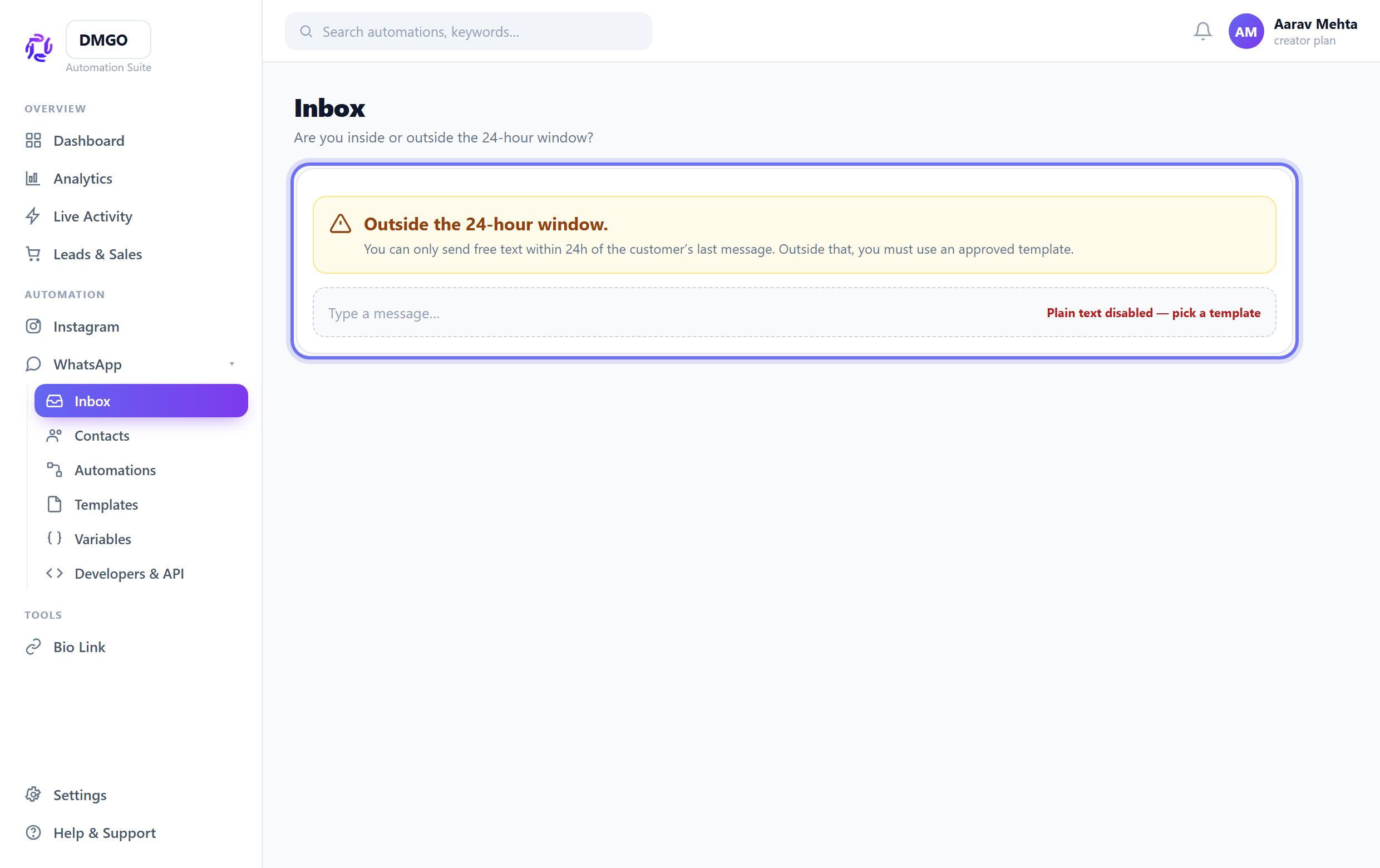
Inside or outside the 24h window?
You can send free-text only within 24 hours of the customer’s last message. Outside that, you MUST use an approved template — a plain text send will silently not deliver.
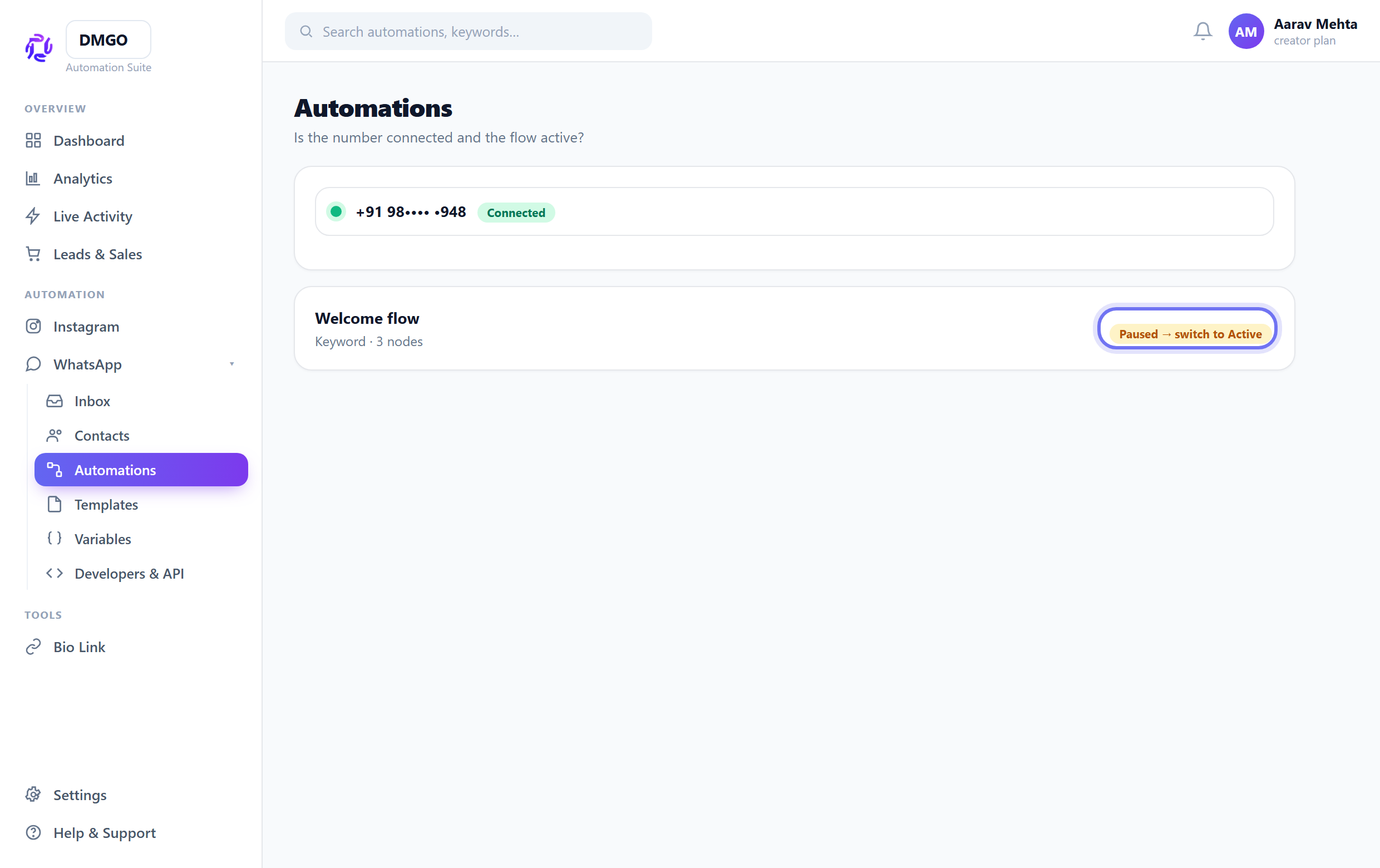
Is the number connected & the flow active?
Check the account card says “Connected” and the automation is Activated (not paused/draft). A disconnected number or paused flow sends nothing.
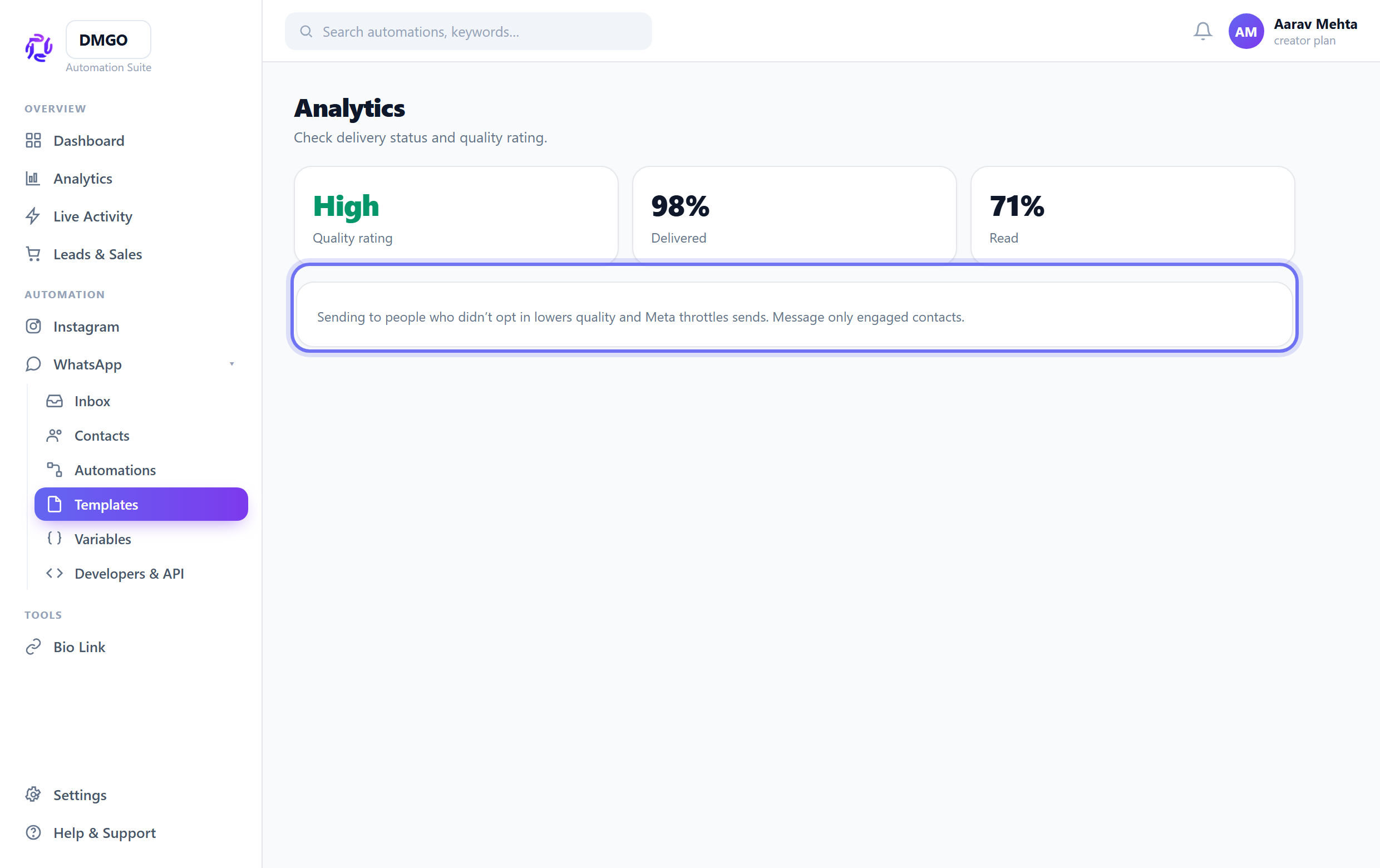
Check quality & opt-in
Messaging people who didn’t opt in drops your quality rating and Meta throttles sends. Message only engaged contacts, and check delivery status in Analytics.
Template delivers but your flow doesn’t continue? Use the builder’s Test to see which branch stops.
Related guides
Was this guide helpful?
Did this not solve it?
Raise a ticket — no account needed. Continue securely from your ticket link.