

Build a WhatsApp automation (flow)
Use the visual flow builder to reply, ask questions, branch and tag automatically.
A WhatsApp automation is a flow: a trigger (what starts it) plus nodes (send message, ask a question, condition, delay, tag…). You drag blocks onto a canvas and connect them.
Before you start
- A connected WhatsApp number.
Create a flow
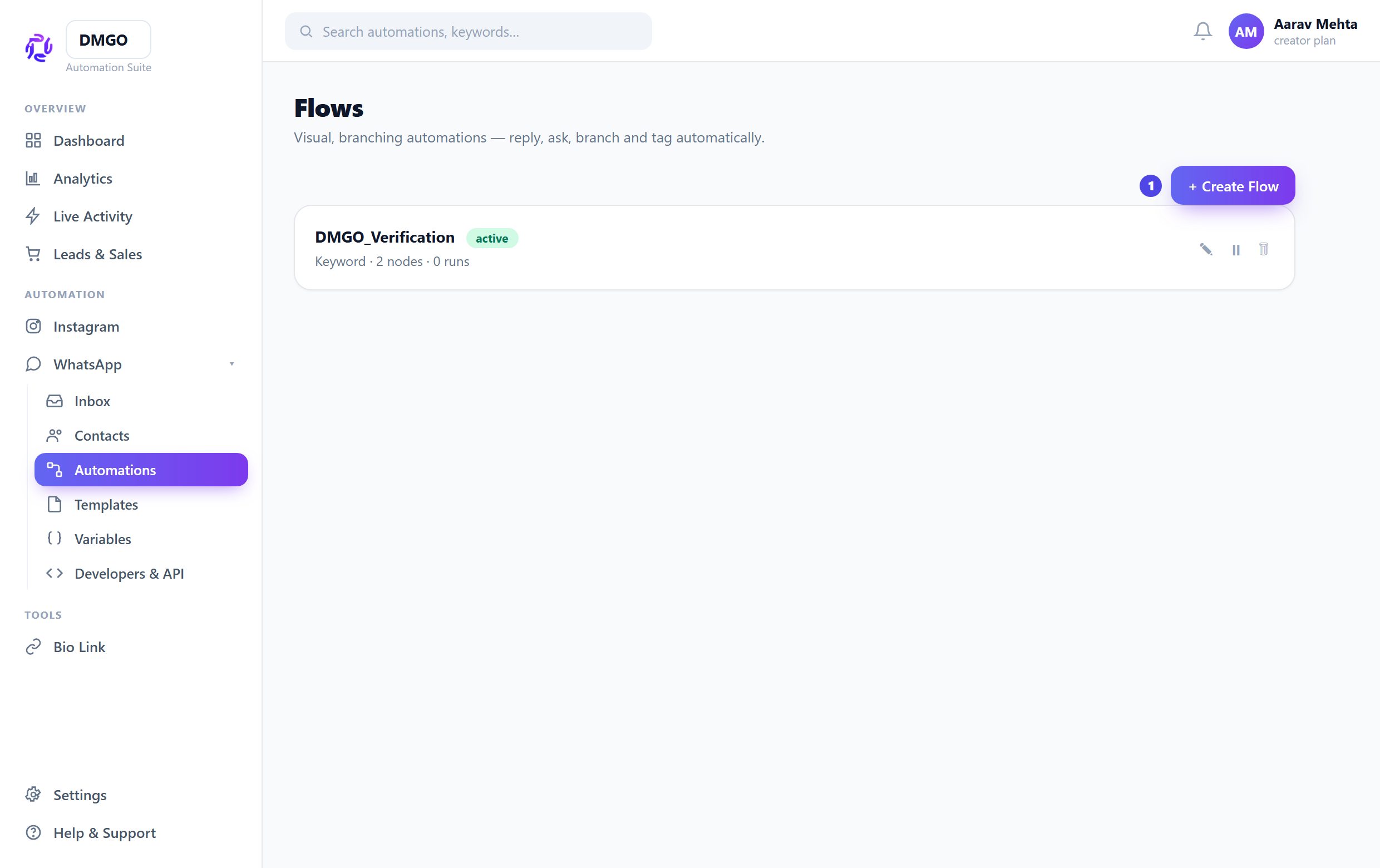
WhatsApp → Automations → Create Flow. A draft opens in the builder with a Trigger block already placed.
Choose the trigger
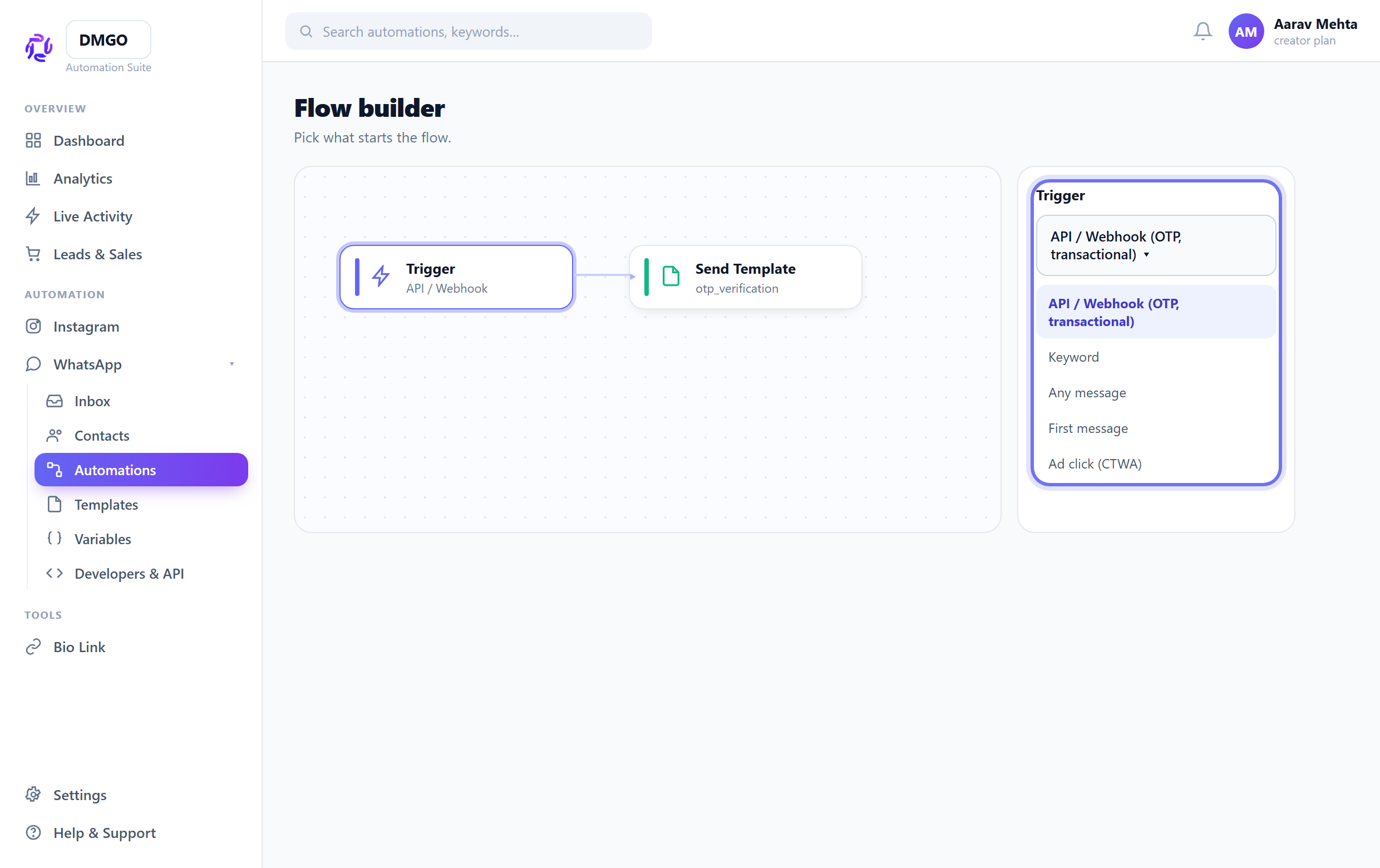
Click the Trigger block and pick how it starts: a keyword, any message, the first-ever message, an ad click (CTWA), or API / Webhook for transactional sends. For keywords, add the words and a match mode.
Add message & logic blocks
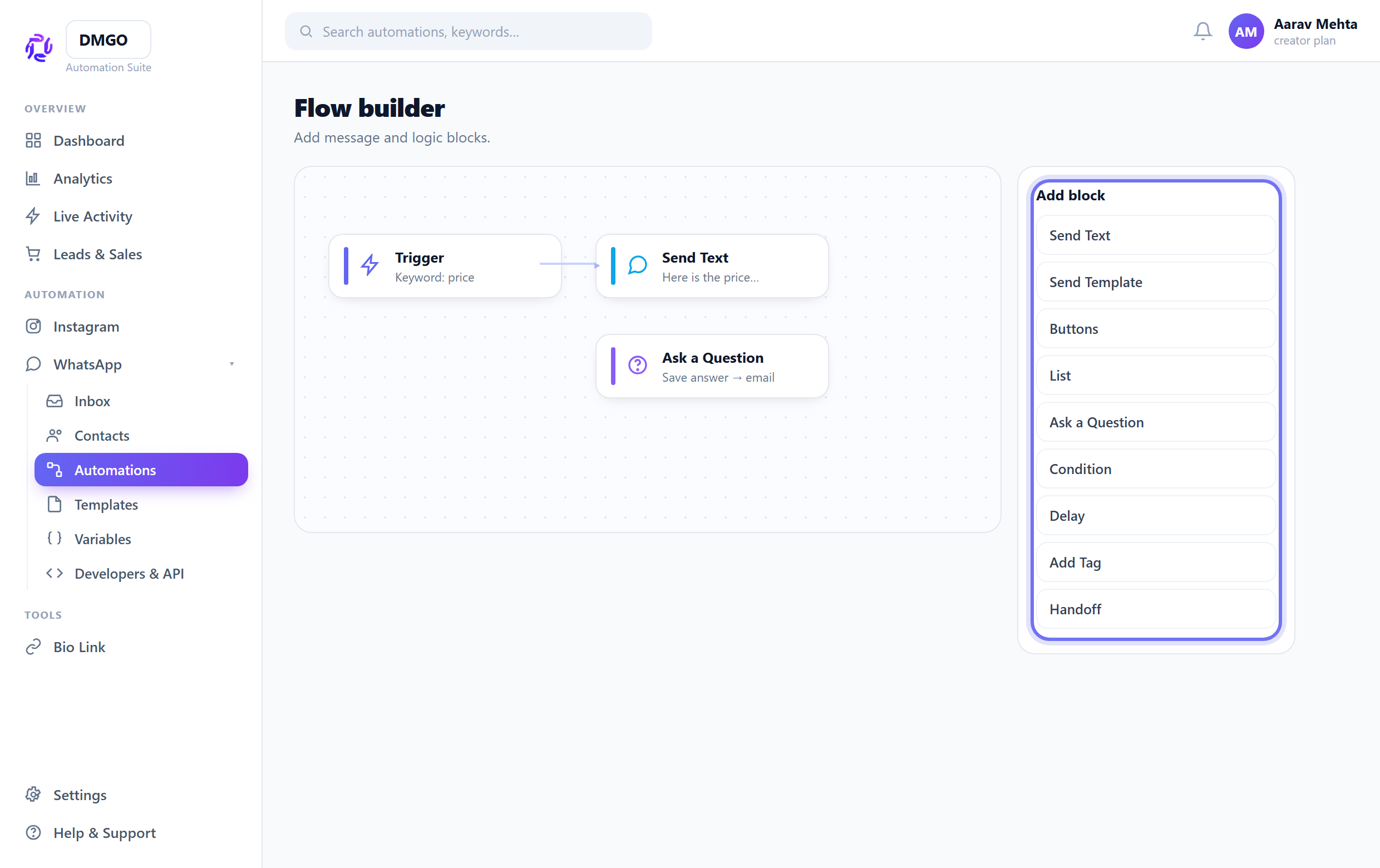
From “Add block” drop in Send Text / Template / Buttons / List, Ask a Question (saves the answer), Condition (yes/no branch), Delay, Add Tag or Handoff. Drag a dot to connect one block to the next.
Commerce and Ads blocks unlock automatically after DMGO verifies their setup. Open Setup & health to see the next required action; you never need to enable them with a technical switch.
Test, then Save & Activate
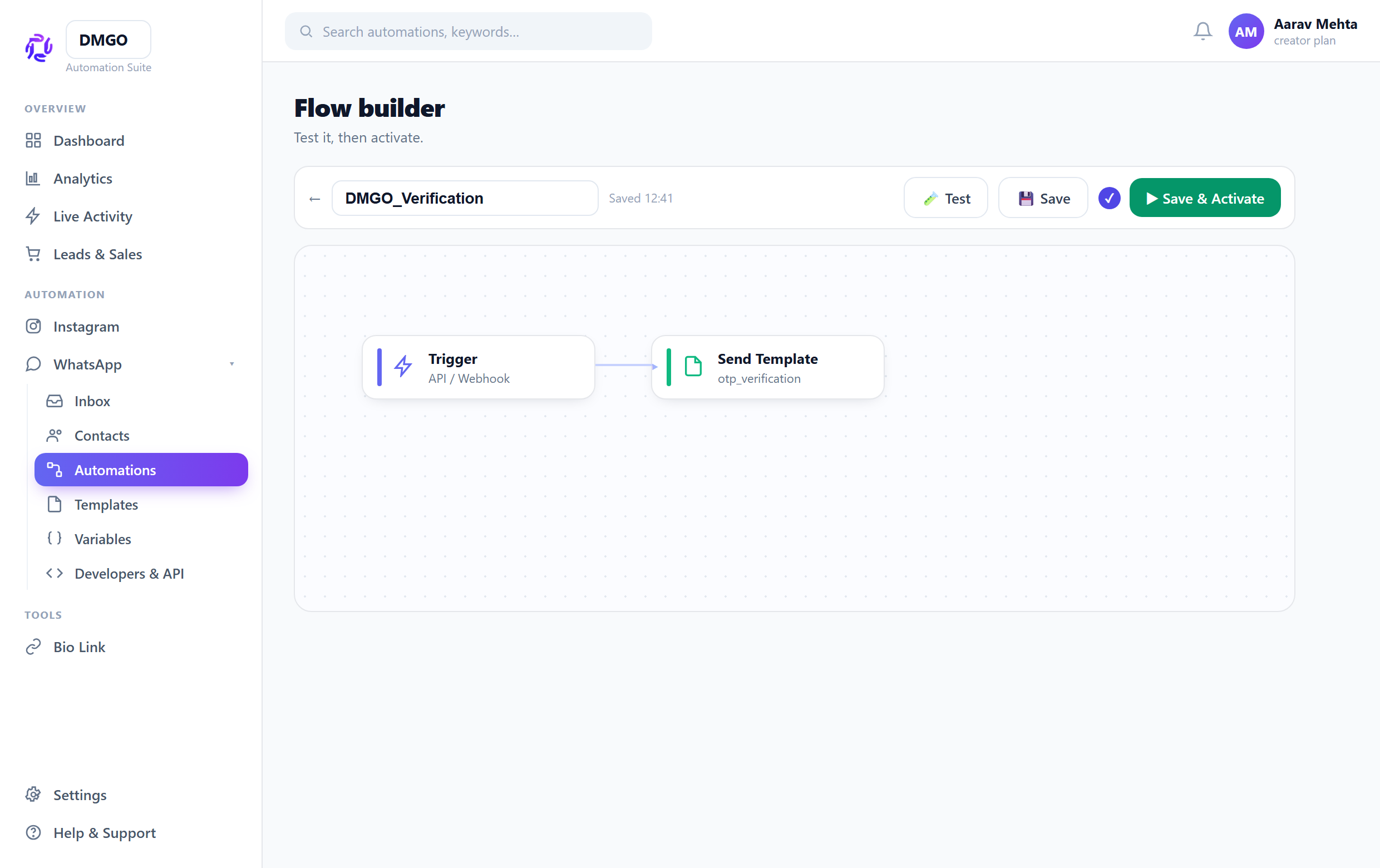
Use the Test button for a side-effect-free dry run down each branch. When it looks right, hit “Save & Activate”. A paused flow never runs.
Related guides
Was this guide helpful?
Did this not solve it?
Raise a ticket — no account needed. Continue securely from your ticket link.