

WhatsApp number won’t connect
Fix a connection that fails or a card stuck on “Disconnected”.
Connection problems almost always come down to the number, the token, or a missing permission. Check these in order.
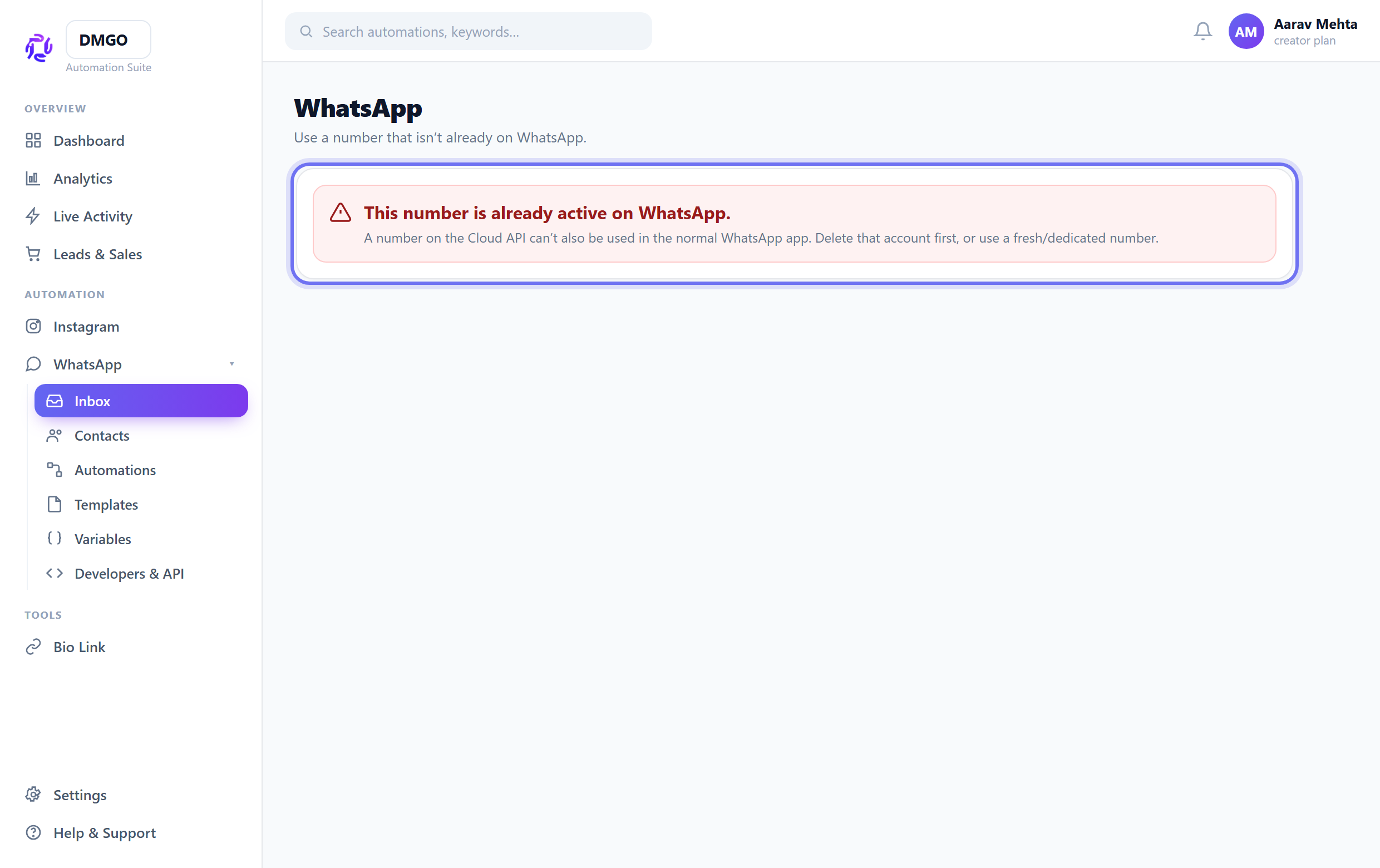
Use a number free of WhatsApp
The number must NOT be active in the normal WhatsApp / WhatsApp Business app. If it is, delete that account first or use a fresh number, then retry.
Use a permanent access token
For manual connect, the temporary token from the Meta dashboard expires in ~24h. Create a System User token with whatsapp_business_messaging permission and paste that instead.
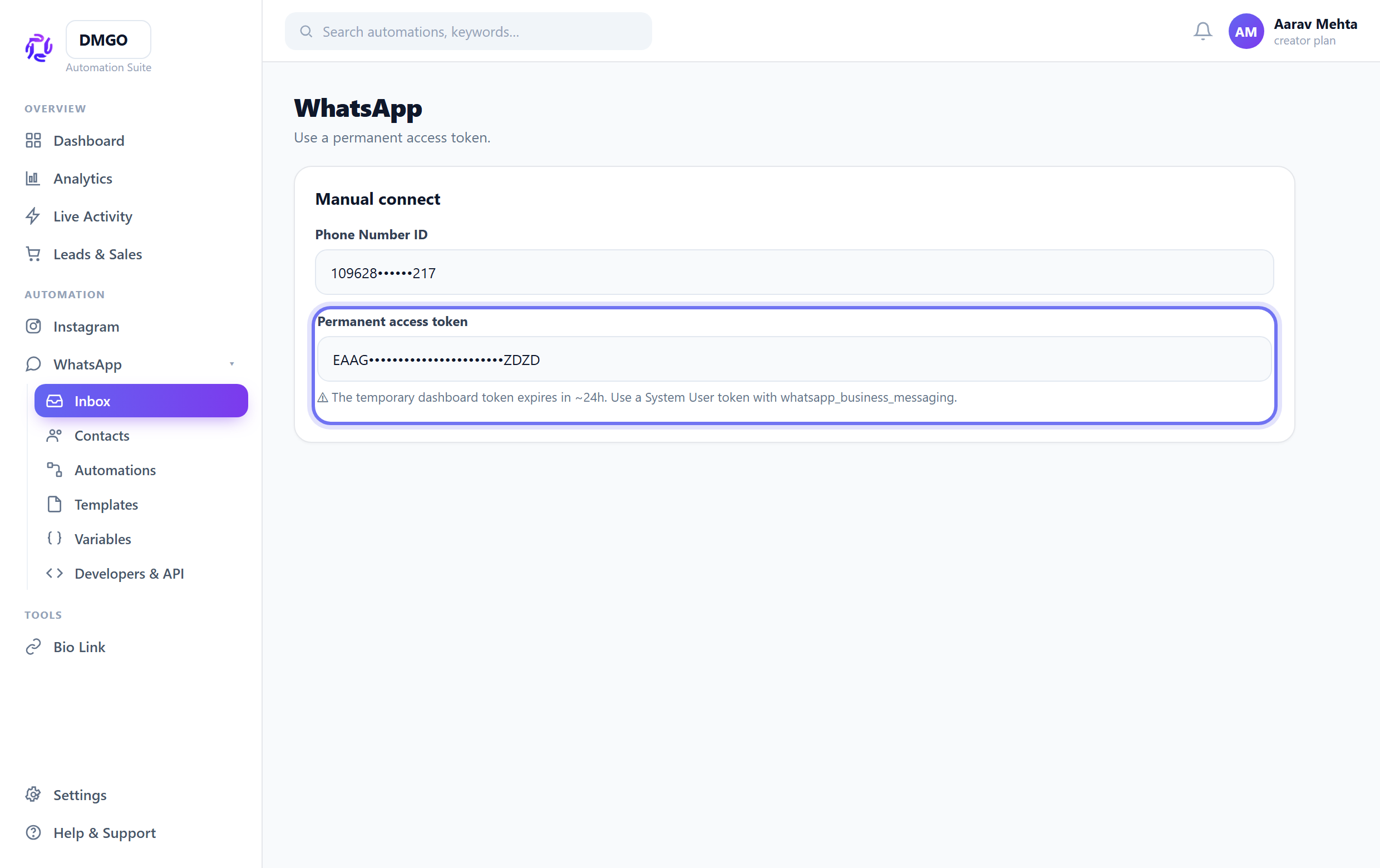
A number showing Connected that suddenly stops sending is usually an expired token — regenerate a permanent one.
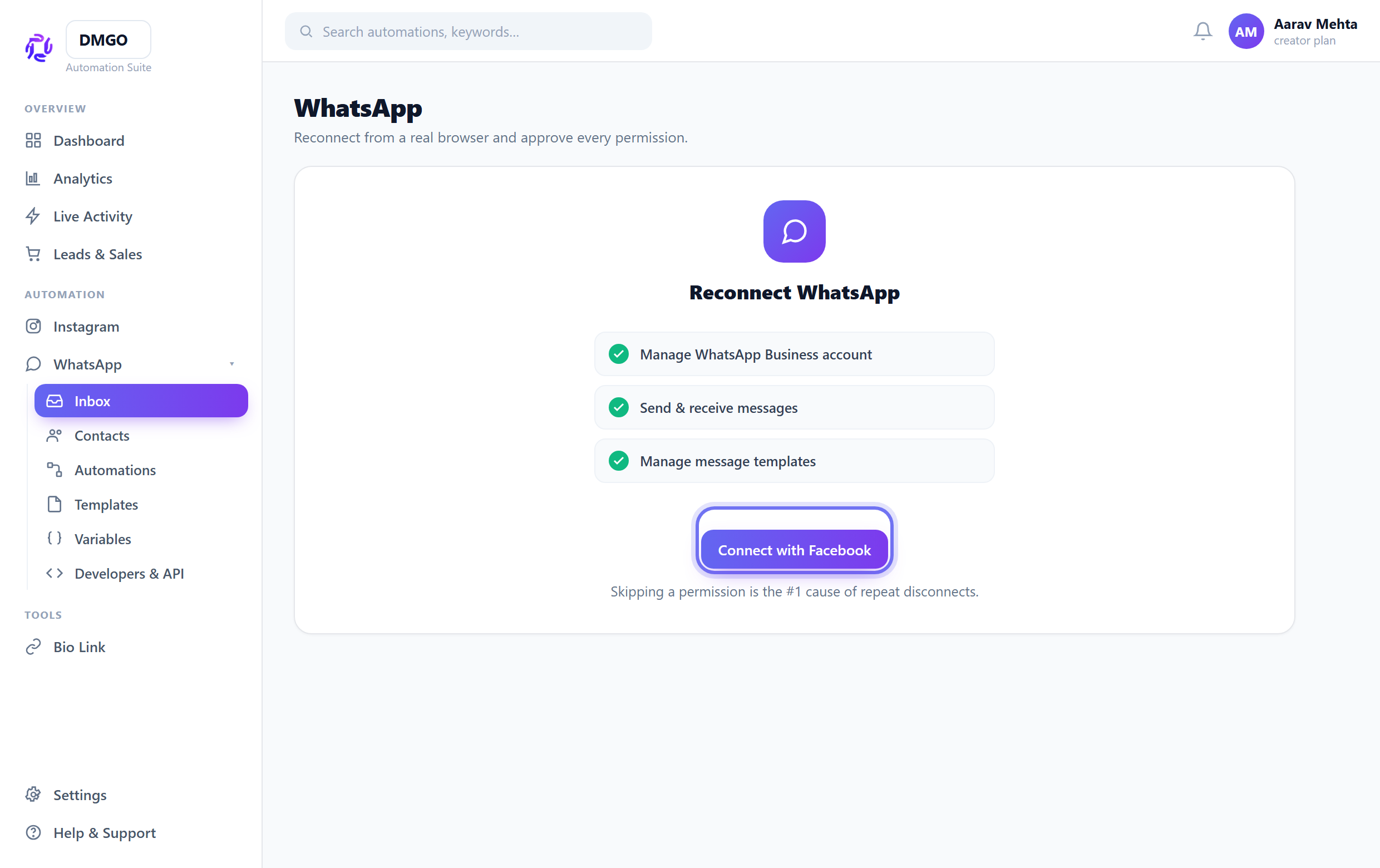
Reconnect from a real browser
Open DMGO in Chrome/Safari (not an in-app browser), use “Connect with Facebook”, and approve every requested permission — skipping one breaks the link.
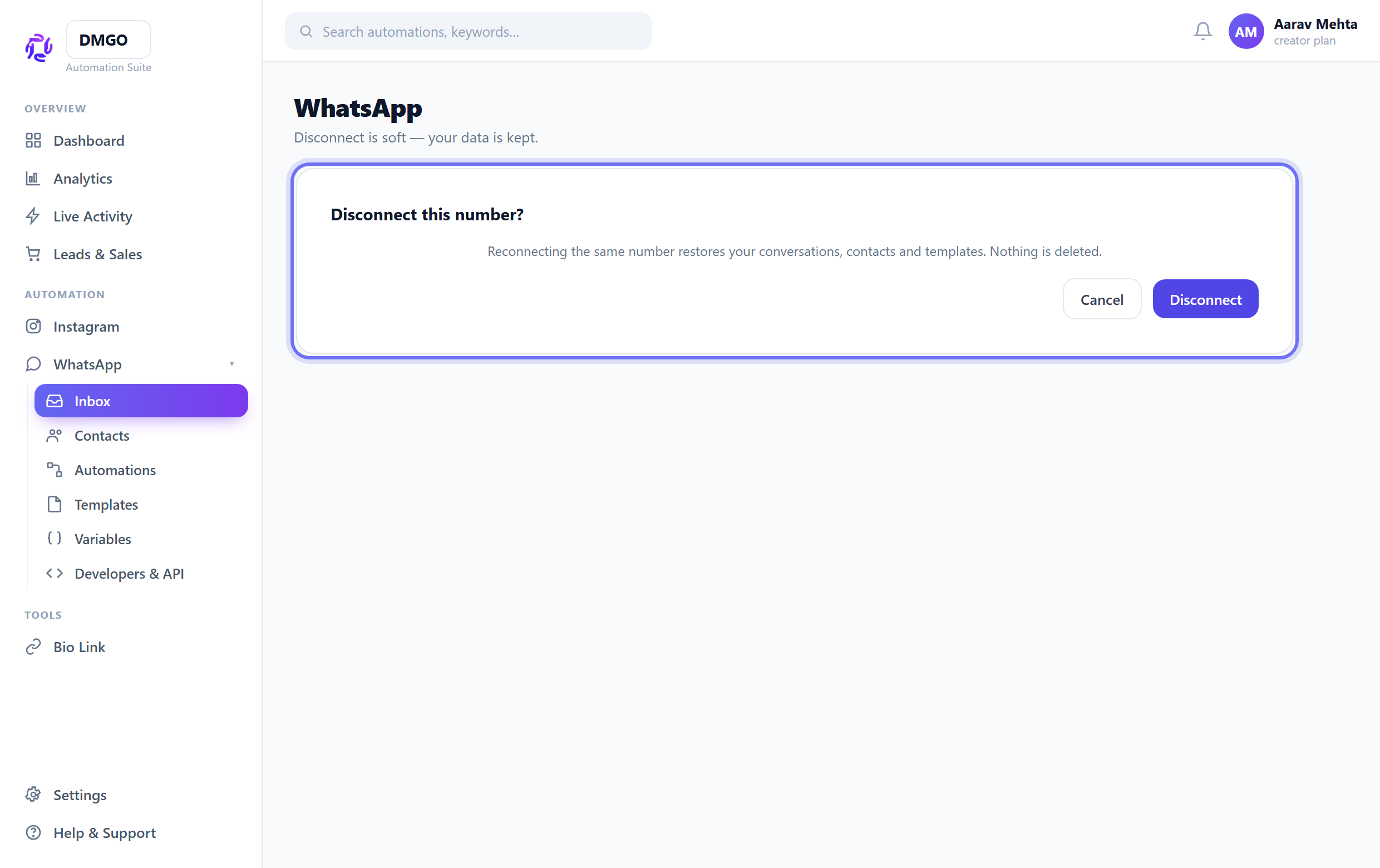
Reconnecting keeps your data
Disconnect is soft — reconnecting the same number restores your conversations, contacts and templates. So it’s safe to disconnect and reconnect to fix a bad state.
Was this guide helpful?
Did this not solve it?
Raise a ticket — no account needed. Continue securely from your ticket link.