

Template rejected or not approving
Why Meta rejects a template and how to get it approved.
Meta reviews every template. Most rejections are fixable in a minute — the content, category or samples just need a tweak.
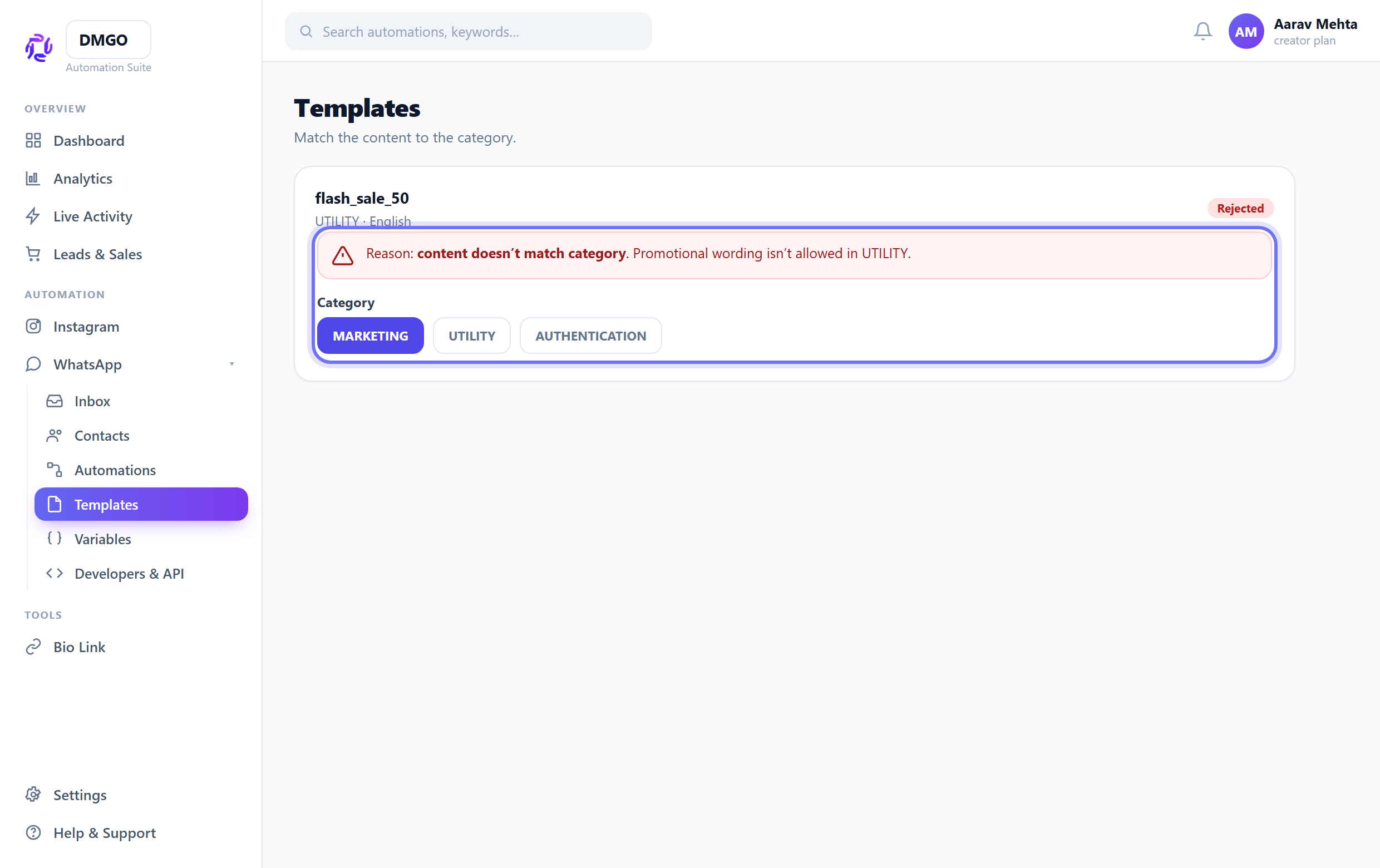
Match content to category
Promotional wording in a UTILITY or AUTHENTICATION template gets rejected. Put offers/marketing under MARKETING; keep UTILITY strictly transactional; keep AUTHENTICATION to the OTP format.
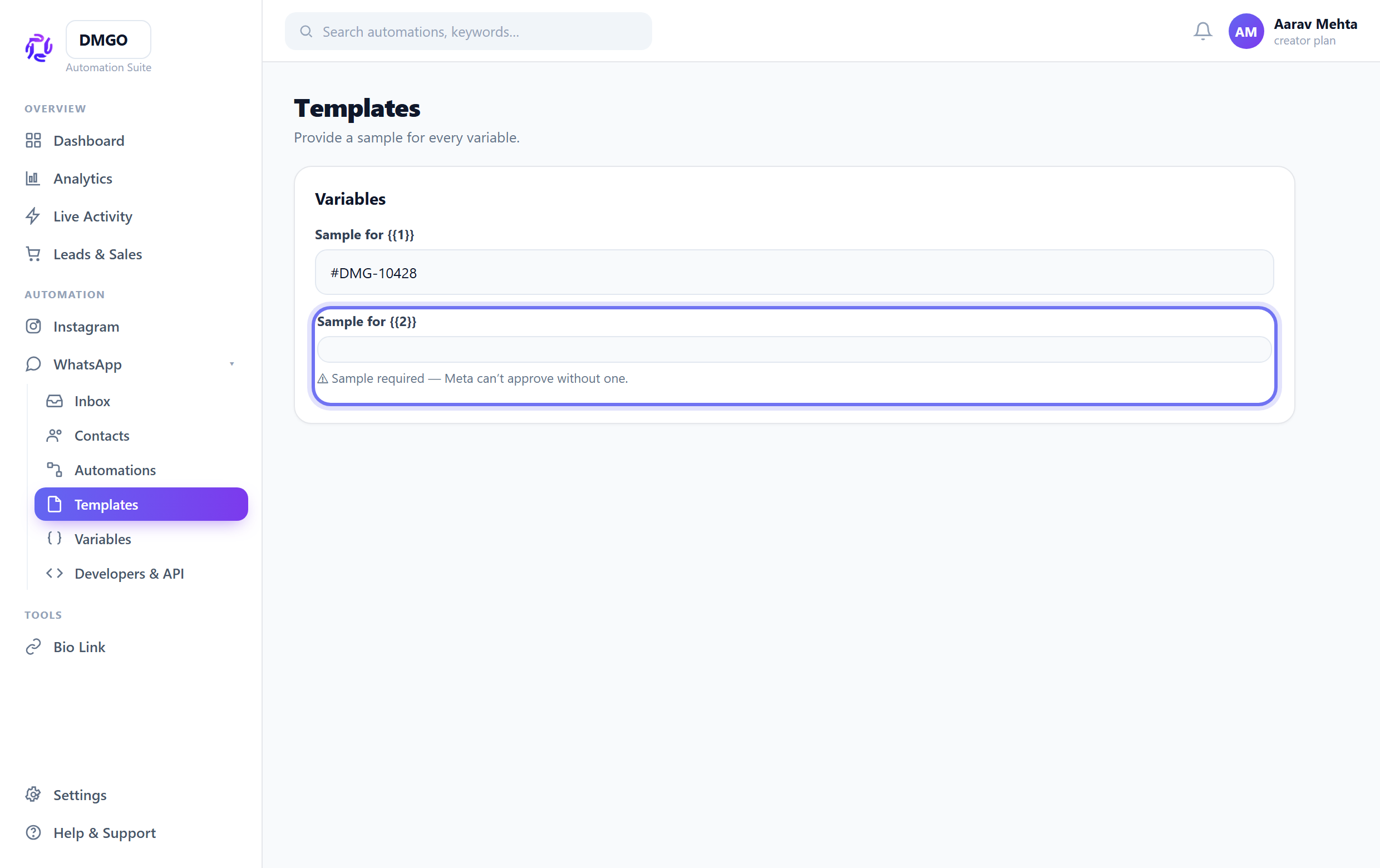
Provide sample values
Every {{1}}/{{2}} placeholder needs a realistic sample. Missing or “test”-style samples are a common rejection reason.
Fix formatting & links
Avoid ALL CAPS, too many emojis, broken/placeholder URLs (like example.com), and unbalanced {{ }}. Clean these up before resubmitting.
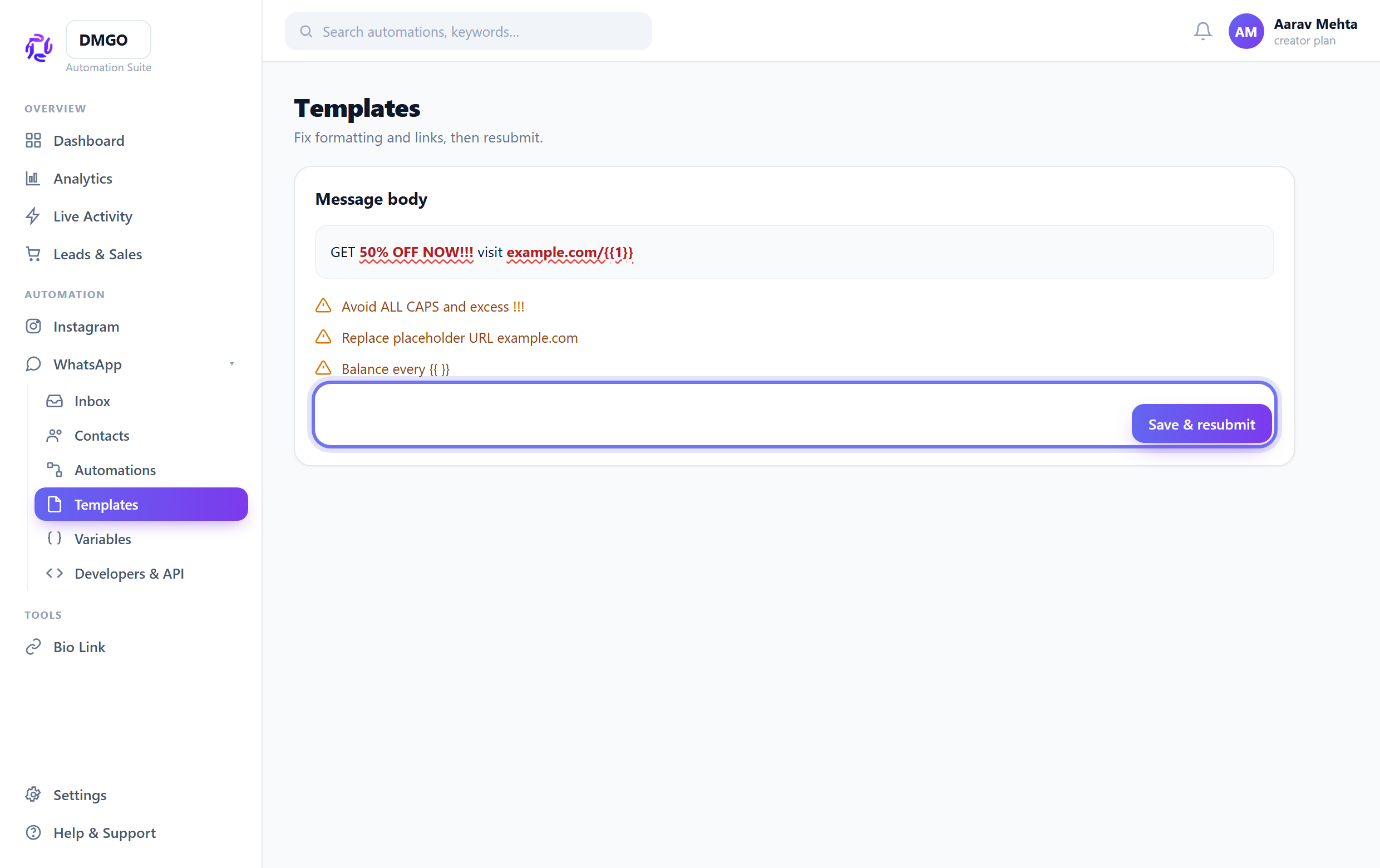
After editing, submit again — approval usually returns within minutes to a few hours.
Was this guide helpful?
Did this not solve it?
Raise a ticket — no account needed. Continue securely from your ticket link.