

API returns 401 / 403 / 429
Decode the error codes from the WhatsApp send API and fix them fast.
The trigger endpoint returns a clear status for each problem. Match the code to the fix below.
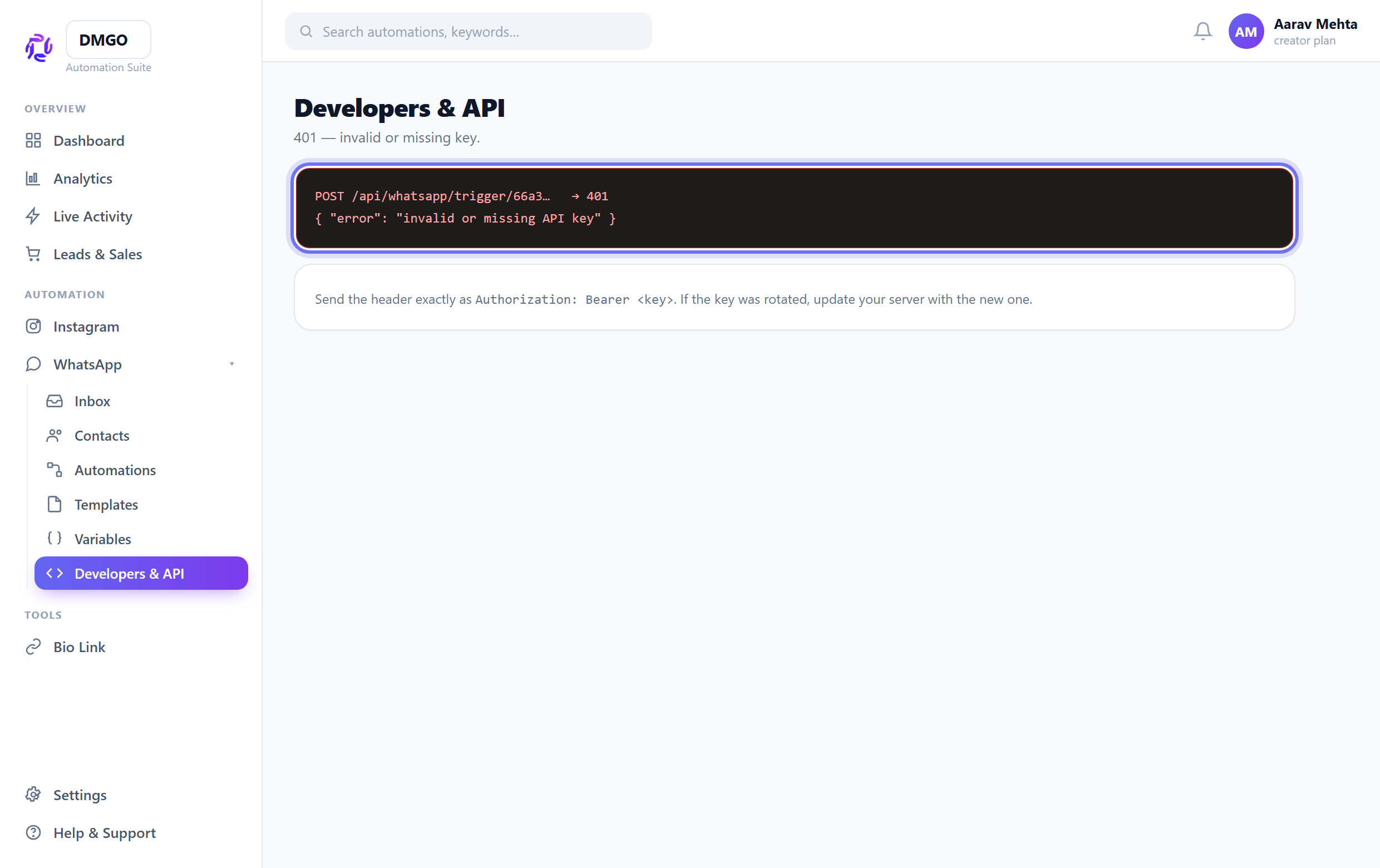
401 — invalid or missing key
Send the header exactly as Authorization: Bearer <key>. If the key was rotated, update your server with the new one — the old key stops working immediately.
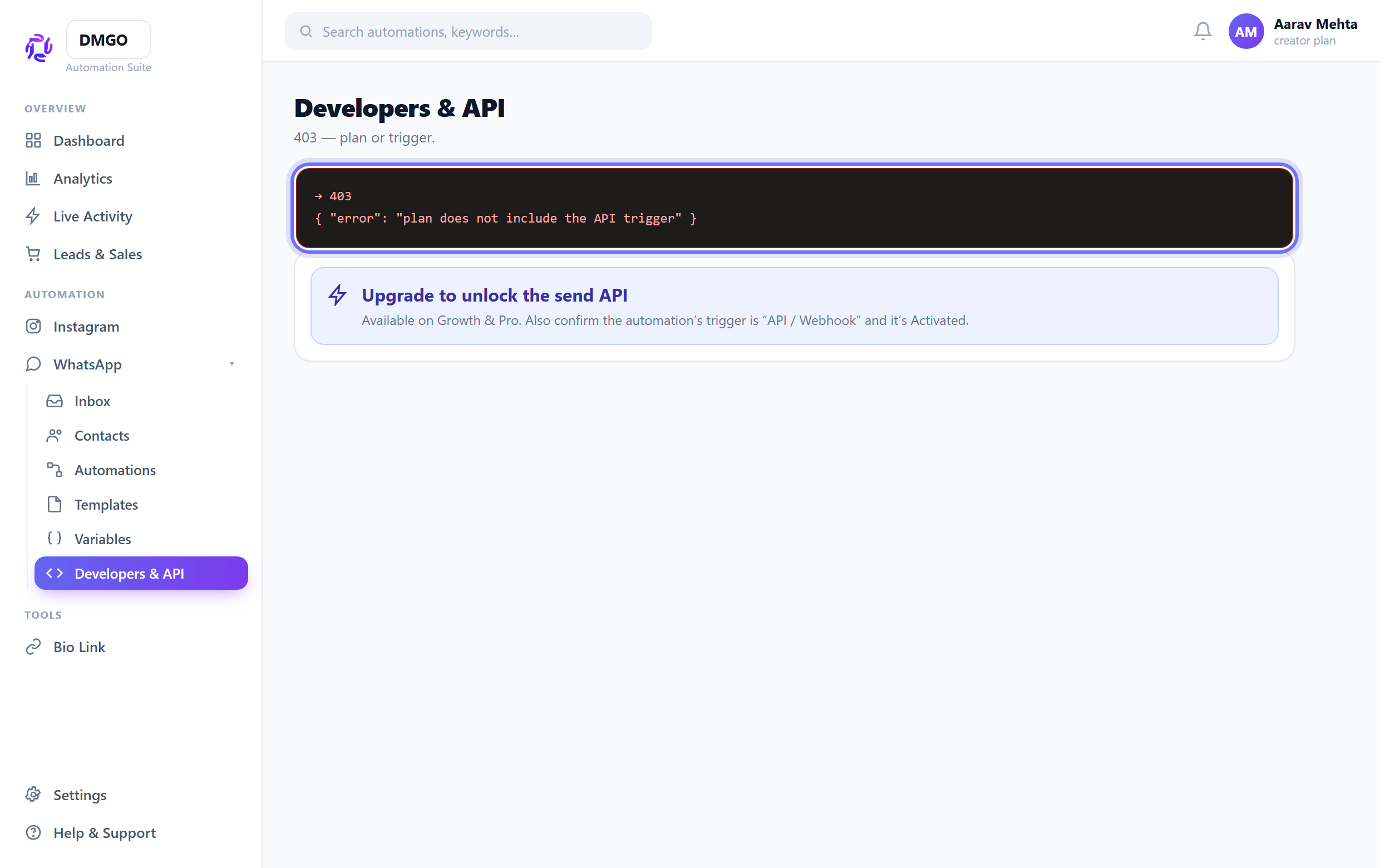
403 — plan or trigger
The API trigger is a paid (Growth/Pro) feature — upgrade to enable it. Also confirm the automation’s trigger is “API / Webhook” and that it’s Activated.
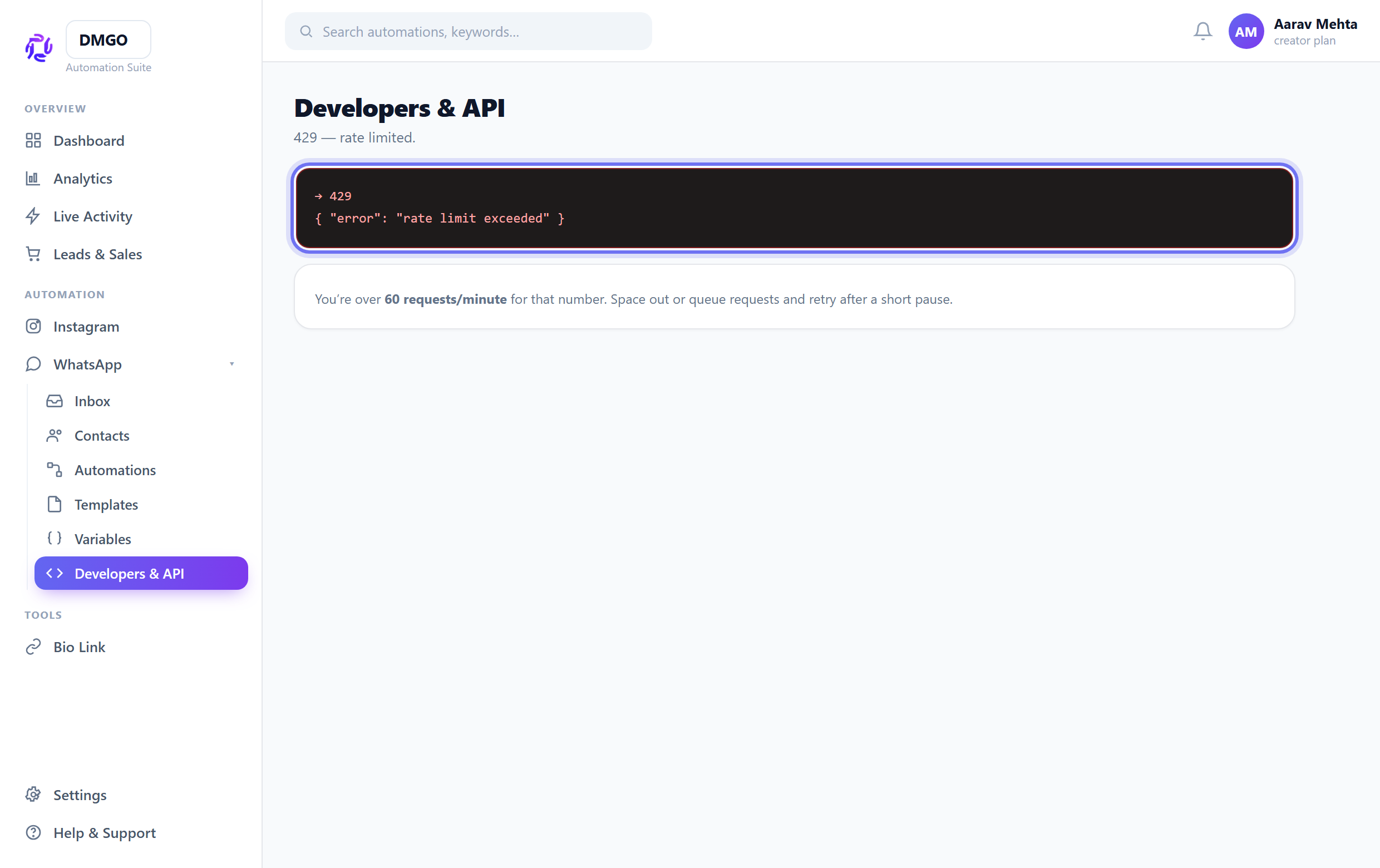
429 — rate limited
You’re over 60 requests/minute for that number. Space out requests or queue them and retry after a short pause.
Getting {"started":false}? The automation exists but likely isn’t active or has no Send Template node — open it and Save & Activate.
Was this guide helpful?
Did this not solve it?
Raise a ticket — no account needed. Continue securely from your ticket link.