

Send a WhatsApp broadcast
Message many contacts at once using an approved template.
A broadcast sends one approved template to a list of contacts. Because it goes to people outside the 24-hour window, WhatsApp requires an approved template (free text isn’t allowed).
Before you start
- At least one Approved template.
- Contacts who opted in to hear from you.
Open the broadcast composer
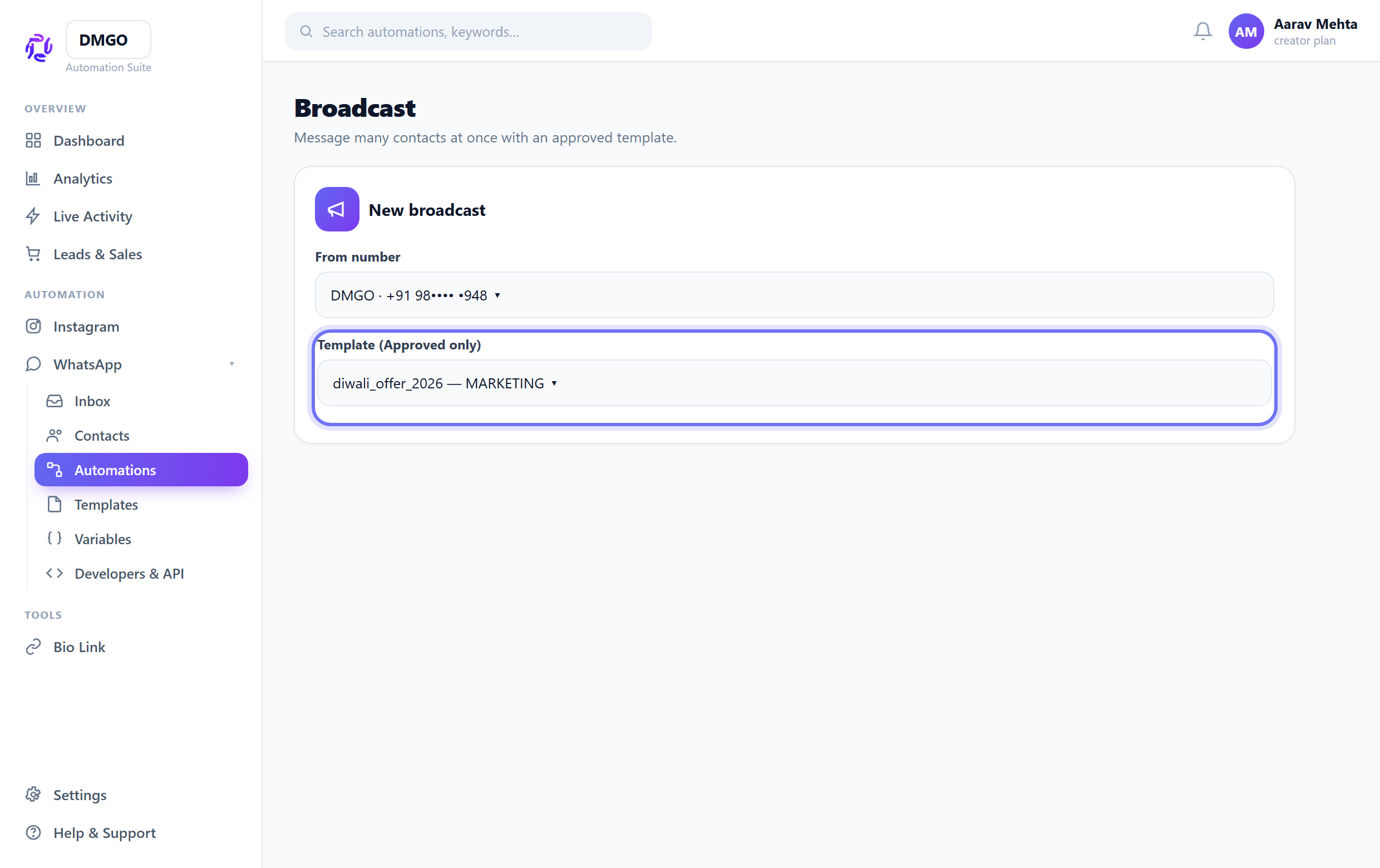
Go to the Broadcast tool, choose your connected number, and select an Approved template.
Fill variables & pick the audience
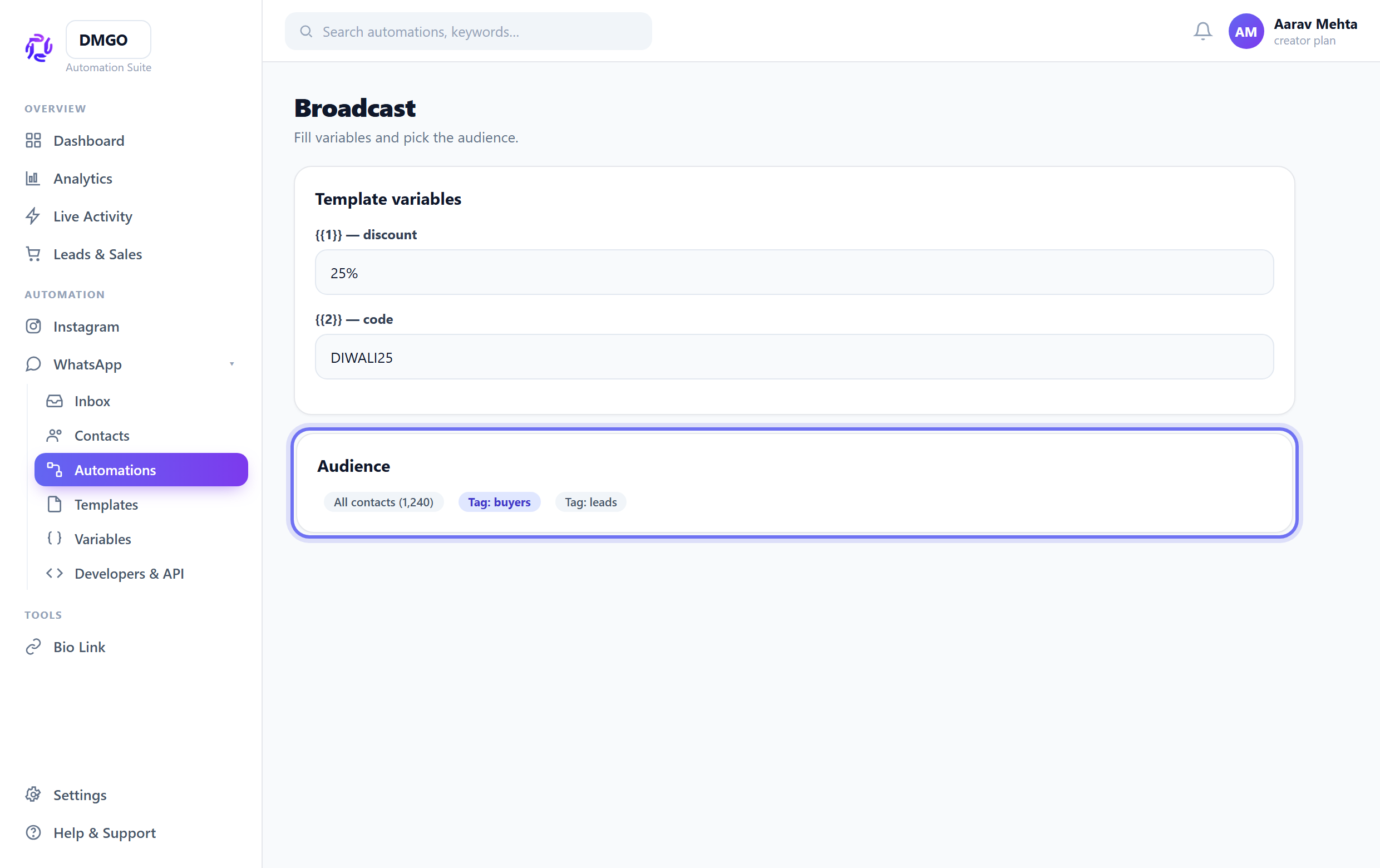
Fill any {{1}}/{{2}} values (or map them to contact fields), then choose which contacts / tags receive it.
Send and track delivery
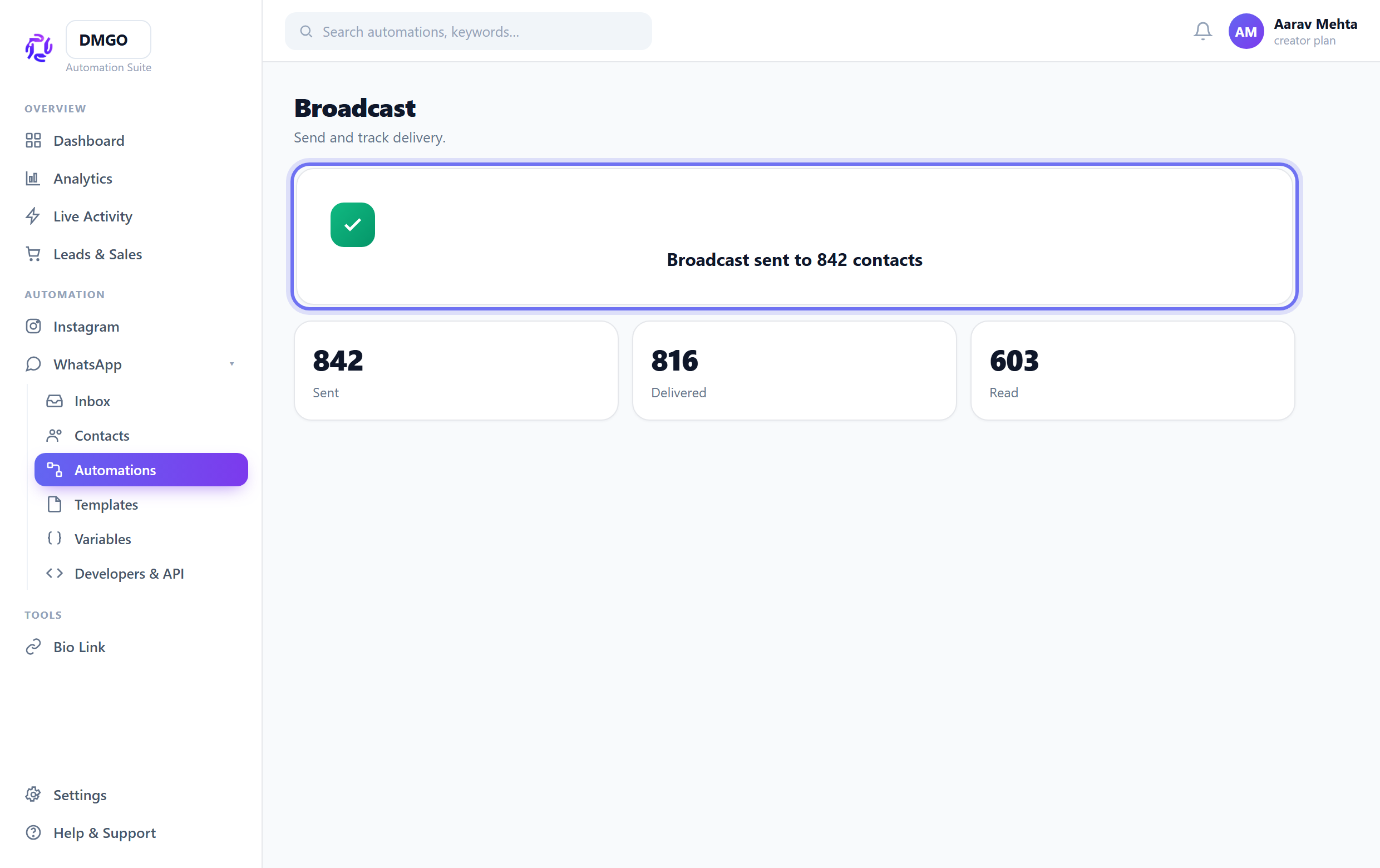
Send it. Delivery and read status per contact show up in Analytics, and replies land in your shared Inbox.
Sending to people who didn’t opt in hurts your number’s quality rating and can get it limited — only message engaged contacts.
Was this guide helpful?
Did this not solve it?
Raise a ticket — no account needed. Continue securely from your ticket link.